Download Torrents
& URLs Faster
Stream & download torrents, magnet links and web URLs with advanced search, custom filters and lightning-fast speeds on Android.
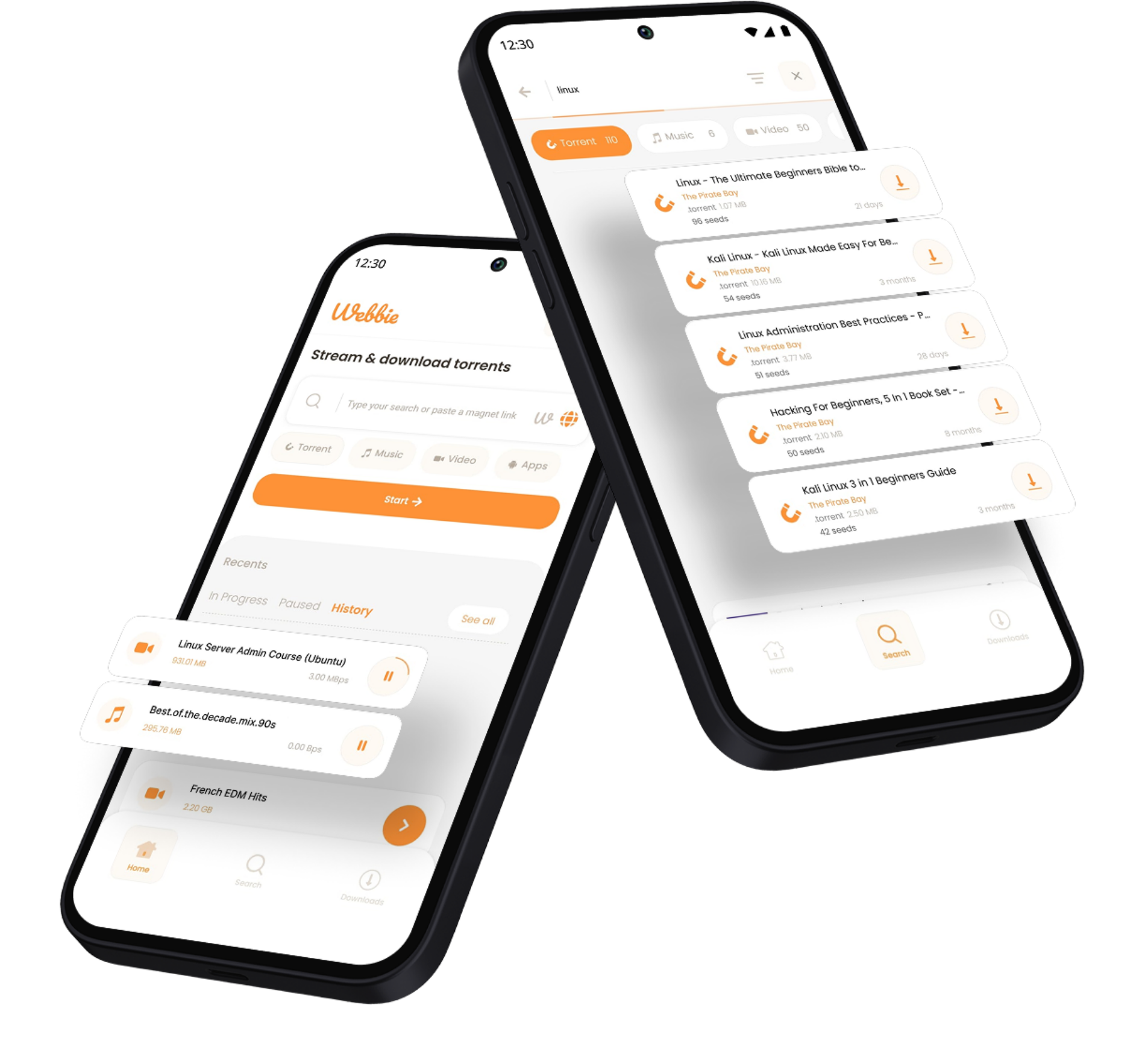
Stream & download torrents, magnet links and web URLs with advanced search, custom filters and lightning-fast speeds on Android.
Explore All The Ways Our All-In-One App Makes Downloading Easier.
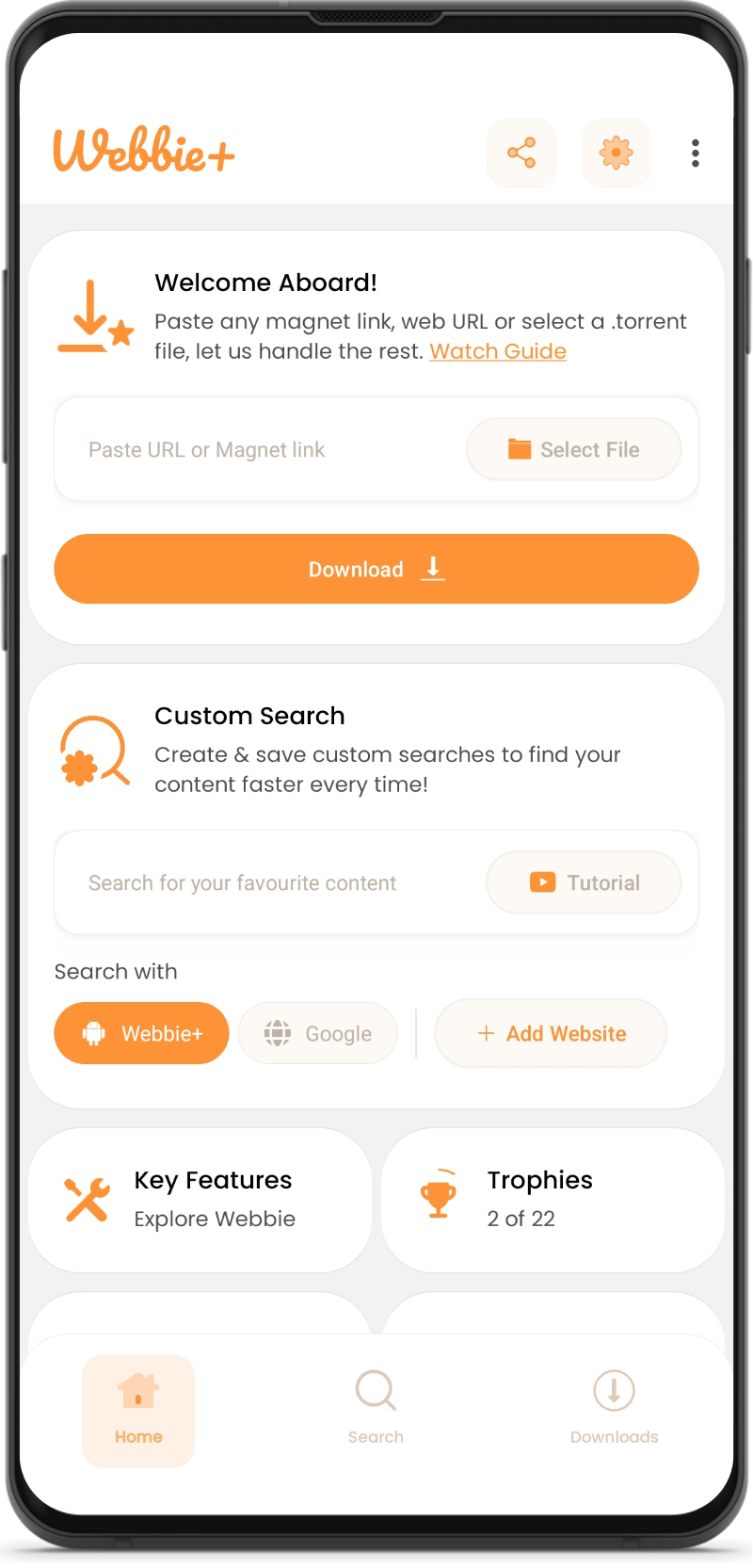
Paste a magnet link or upload a torrent file to start downloading instantly with full control over your files.
Paste any URL and let Webbie manage fast, reliable downloads in the background.
Select files stored on your device and download or manage them easily within the app.
Create, save and reuse custom searches using advanced filters for faster access and smarter downloads.
Find and download subtitles and related content directly inside the app using the built-in search.
Play stream or cast any media with Webbie's powerful built-in player offering extensive media format support.
Experience the best of Webbie with our Premium version.
Select from Flexible Monthly, Semi-Annual or Annual Subscriptions or unlock lifetime access with a One-Time Payment option.
All payments use Google's secure Payment Gateway and each plan is designed to offer the best value.
Here's what users like about using our downloader app.
Play Store Reviews are based on user feedback and may reflect individual experiences.
"It is fast and it even works with a lot more links that won't work on other torrent downloaders.I'm able to download movies using my mobile phone now, thanks to Webbie Torrent Downloader. It's easy for me now. 👍👍👍"
"wow such a nice and TRUE torrent downloader, I don't know why it downloads from most of torrent file which other torrent downloader can't, I was using **** but now I am using this... UI is smooth and easy to use...."
"absolutely the best torrent all in one out there!! thank you so much for making this"
We've put together a list of common questions about the app's features and functionality.
If you need further assistance, feel free to contact us.
Webbie can download torrents in multiple ways. You can download torrents either using a .torrent file or using Magnet Links.
Also, once installed, you'll will get the option to get redirected to Webbie, whenever you press a magnet link anywhere.
Yes, you can also download media from any web URL using Webbie. Most websites with publicly available content are supported.
Webbie provides the option to stream both torrents and Web URL's. On the download page you'll get an additional Stream button if the content is streamable.
Check out the guide below for a demonstration.
Yes, Webbie has built-in Chromecast support and can be used to cast any content to a supported Chromecast device using the built-in media player.
Webbie offers the option to create your own torrents. We currently support single files only and you'll need to provide your own trackers. There are plans to add more functionality based on demand.
Yes, you have multiple ways to add subtitles to any media in Webbie.
- Turn on embedded subtitles
- Add subtitles from you device storage
- Search for subtitles in the app.
Stay tuned! We are currently working on a Desktop App to make downloading even more convenient for you!.